Follow the easy instructions below to register for Doctors Online:
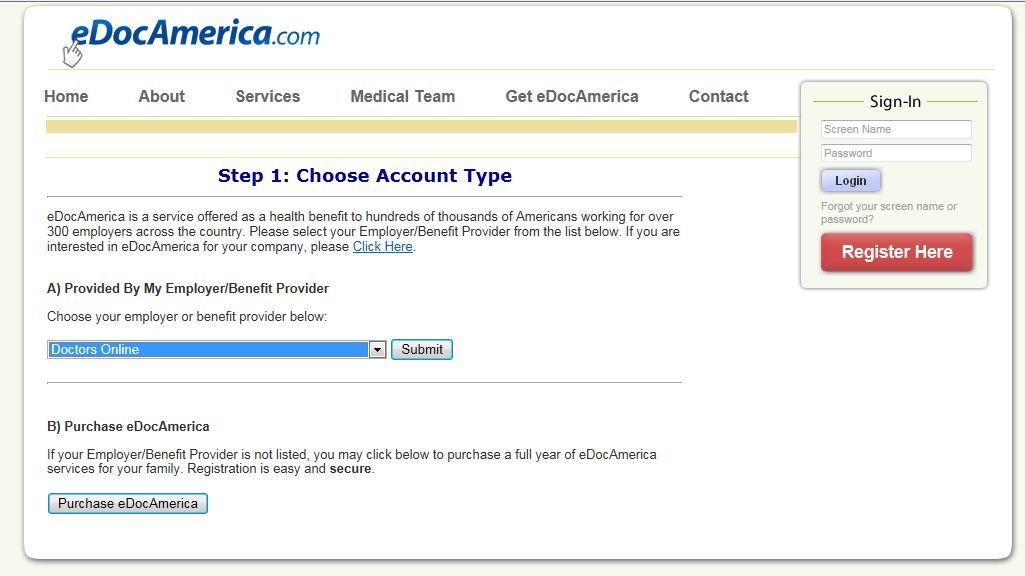
1. Start at www.edocAmerica.com and CLICK the red Button.


2. Select "Doctors Online" from the ACCOUNT TYPE drop-down menu
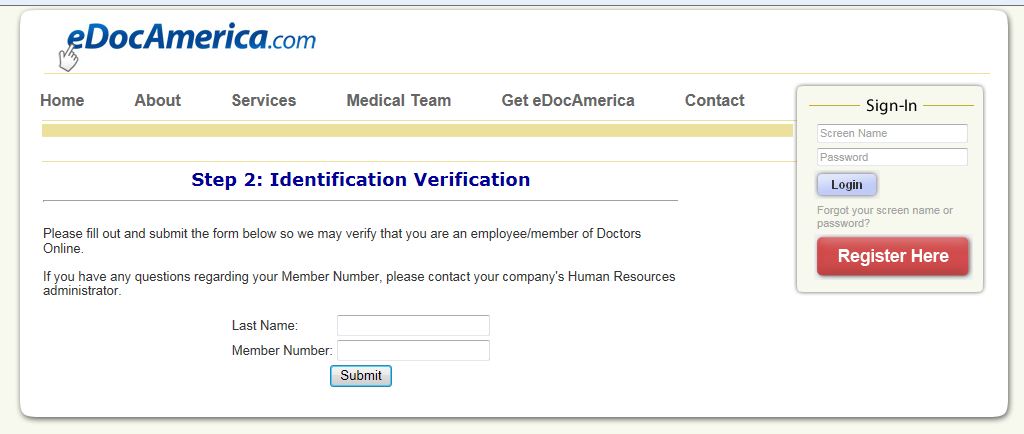
3. Enter your last name and Member Number (found on your TelaMed PLUS card)
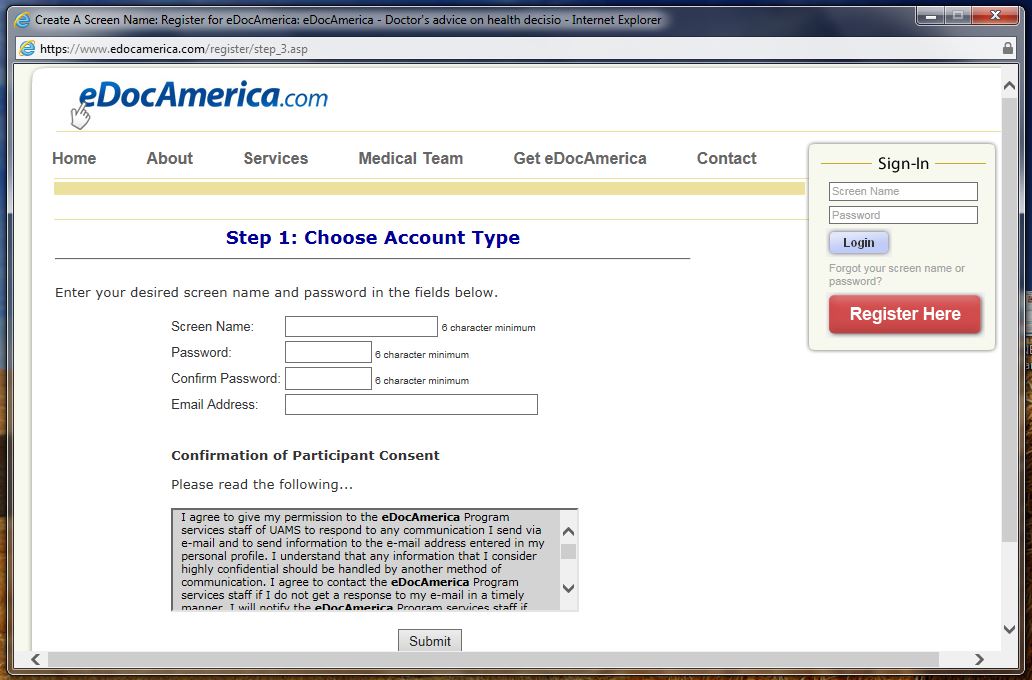
4. Create your Screen Name and Password. You can use these 24/7/365 to access
your account from any smartphone, mobile device or computer.
5. That's it! You are now ready to log in to your account.
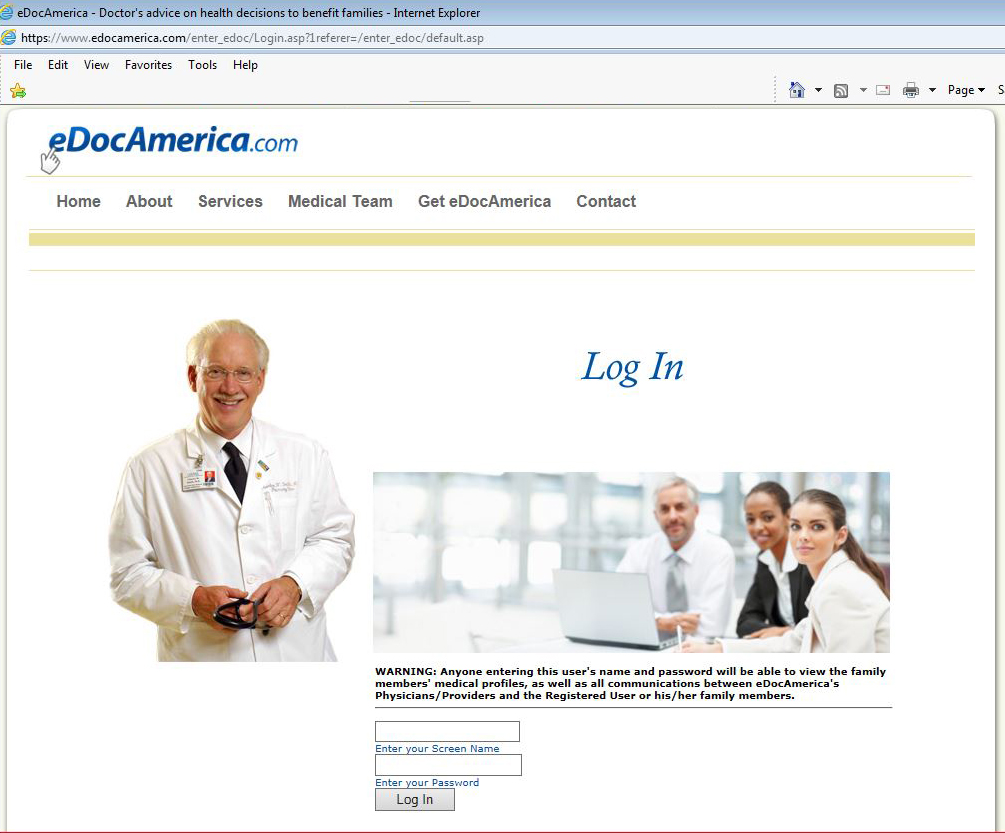
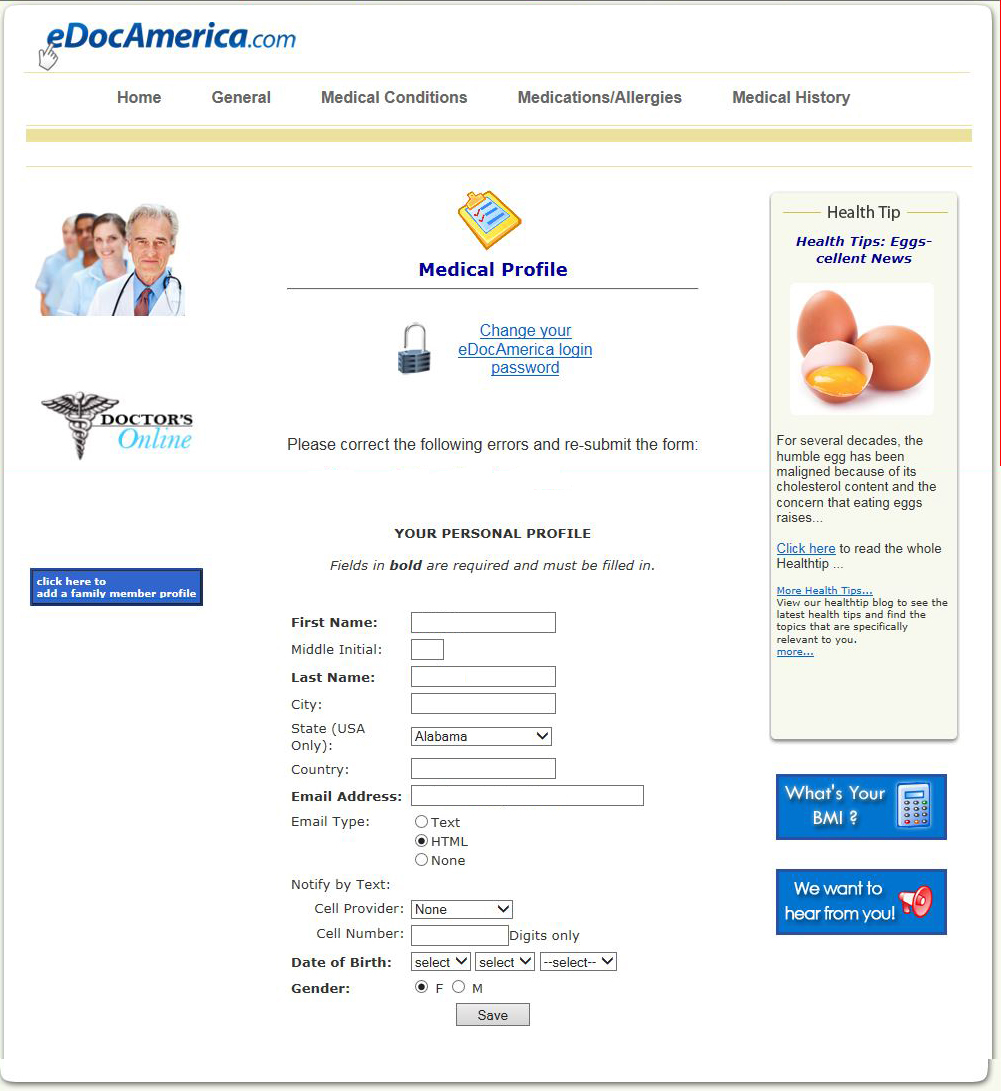
6. Complete and save your medical profile. . .
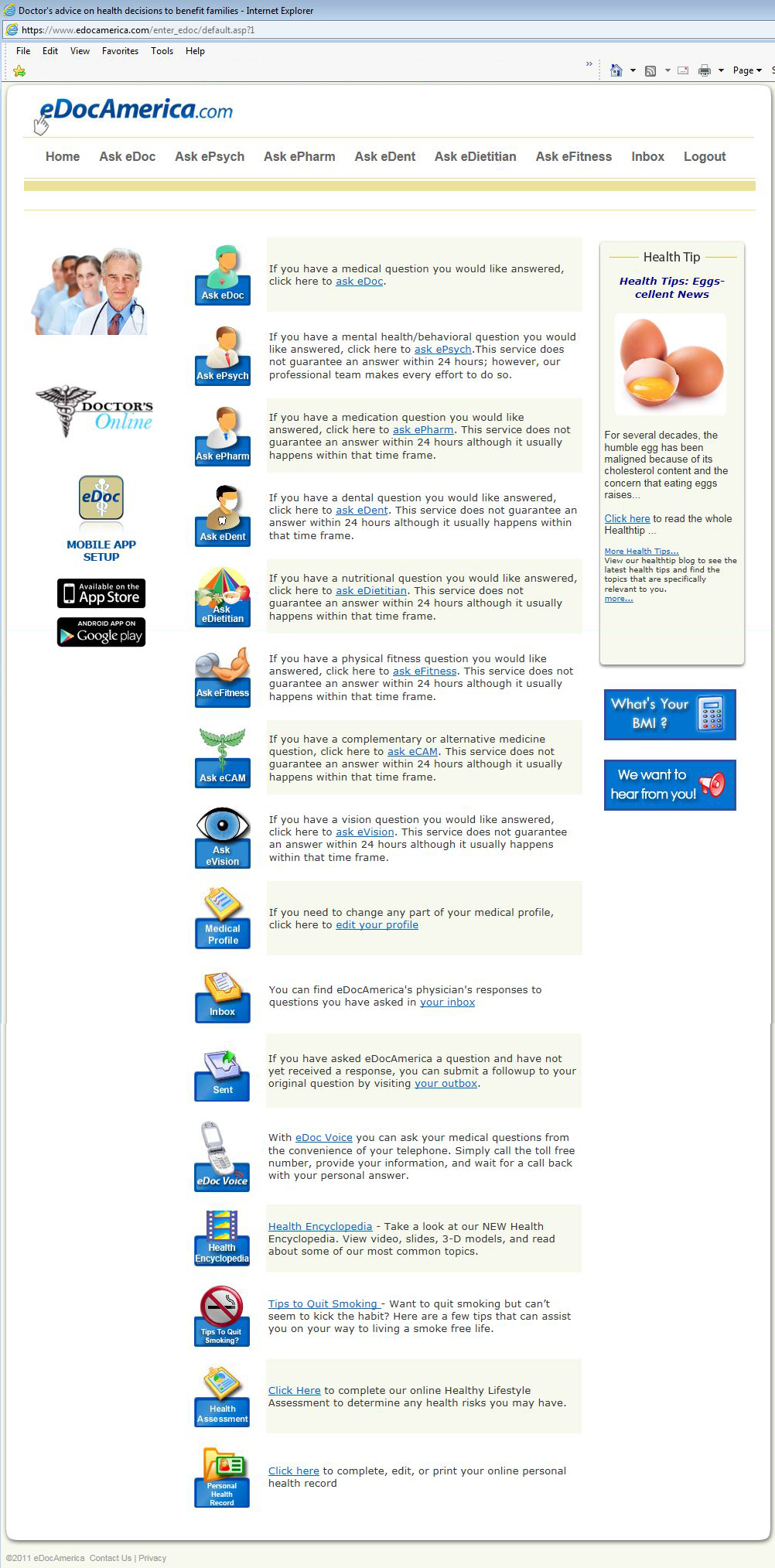
7. Select the topic you need an answer to.
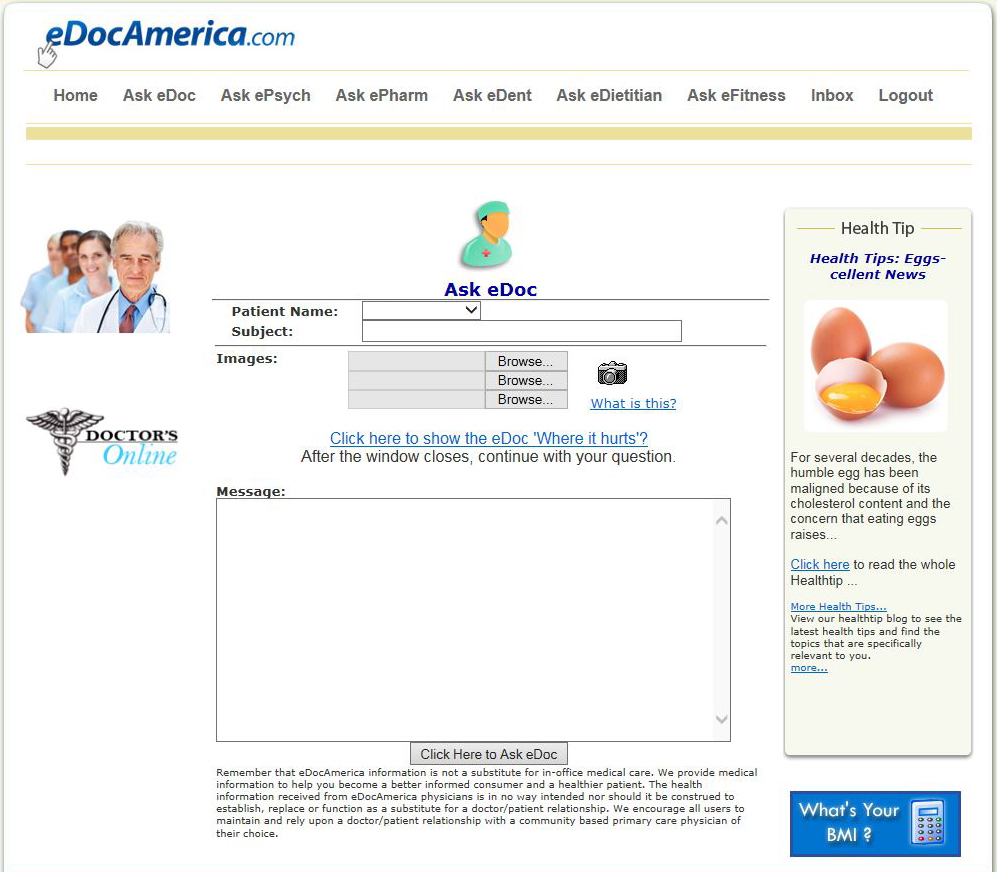
8. Ask your question, submit symptoms and even add images! Your 100%
confidential reply from a US licensed Physician, Dentist, Psychologist, Dietician,
Pharmacist or Fitness Trainer will be back to you typically in 2-4 hours.
Just click below to start using Doctors Online today!